Kick stream overlay checklist before you go live
A practical go-live checklist — export saved, OBS Browser Source tested, Kick channel wired, scenes switched, and the settings that prevent 'why is my chat blank' panic.
Going live with a broken overlay wastes the first ten minutes when chat should be driving the show. This checklist is the order we run before hitting Start Streaming on Kick — export on disk, OBS scenes wired, Kick slug correct, and the boring settings that save you from GPU meltdown mid-rank.
Print it mentally. Fix failures before you're live.
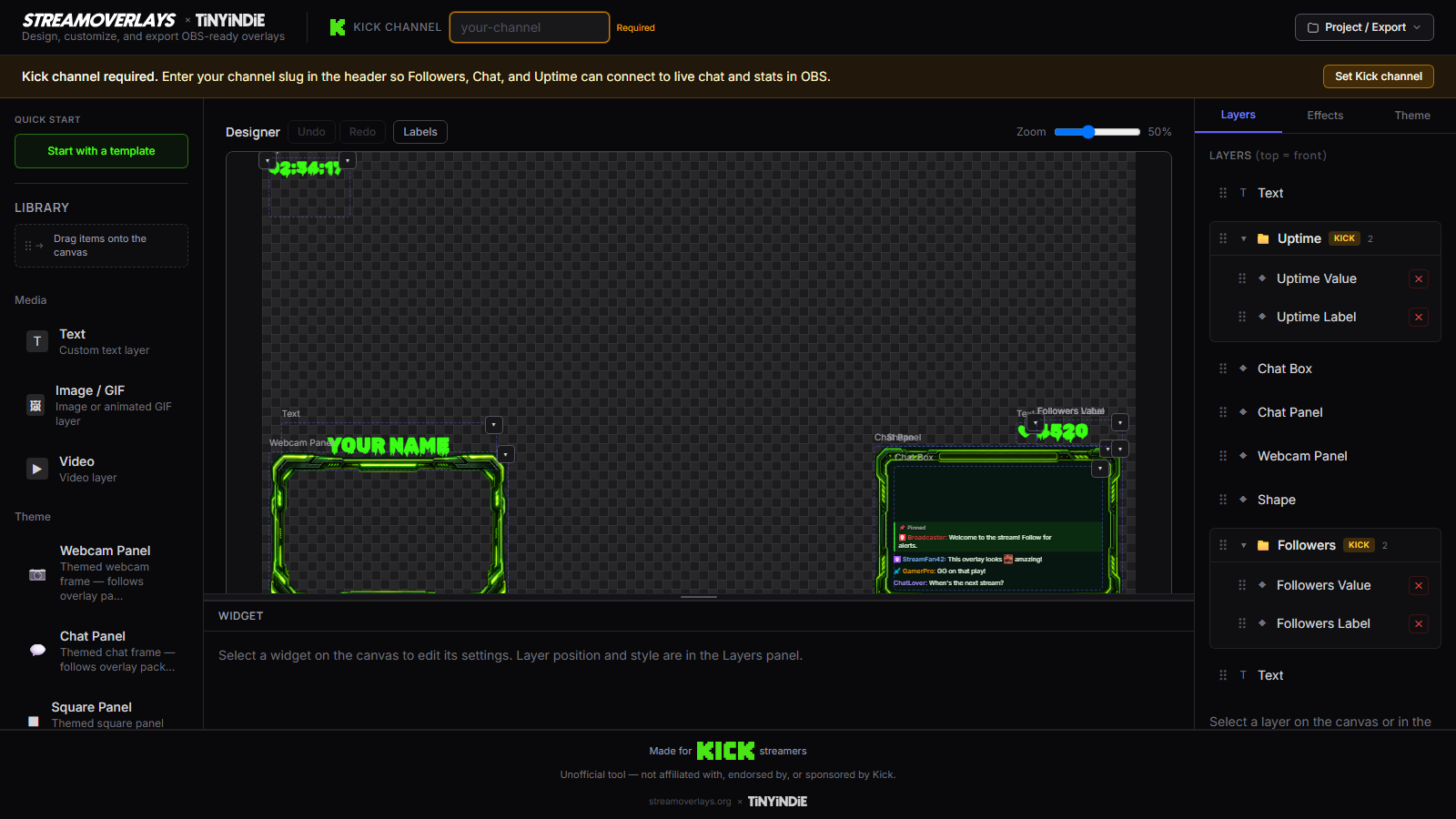
1. Builder and export
- [ ] Correct template loaded (chat, gaming, Just Chatting, or Starting Soon)
- [ ] Kick channel slug set and verified (exact
kick.com/yourslugpath) - [ ] Theme, fonts, and accent match your brand
- [ ] Export downloaded — HTML or ZIP as needed (export guide)
- [ ] ZIP fully unzipped to a stable folder if applicable
- [ ] Previous good export backed up before experimental changes
No export = no overlay. Finish the builder loop first.
2. OBS Browser Source
- [ ] Browser Source added to the right scene(s)
- [ ] Local file checked — path points to your
.htmlor unzippedindex.html - [ ] Width and height match export canvas (typically 1920×1080)
- [ ] Overlay visible in OBS preview — not blank, not wrong scale
- [ ] Source order correct — chat above/below game capture as intended
- [ ] Shutdown source when not visible set per scene (on for rare scenes, your call on main)
- [ ] Cache refreshed if you overwrote an existing file
Full steps: add overlay to OBS.
3. Scenes and transitions
- [ ] Starting Soon scene (if you use one) has its own Browser Source or scene
- [ ] Live scene has gaming / Just Chatting / chat overlay as needed
- [ ] Scene transitions tested — no flash of wrong layout
- [ ] Hotkeys or Stream Deck buttons mapped if you switch scenes on air
- [ ] Audio sources unmuted in live scene; Starting Soon doesn't leak mic if you don't want it
Know which scene you start on. "Starting Soon → Live" is the common path.
4. Kick and stream settings
- [ ] Kick stream title and category set in Kick dashboard or app
- [ ] Stream key in OBS matches Kick (not last week's test)
- [ ] Bitrate and resolution appropriate for your upload — overlay readability tested at stream resolution, not just 4K canvas
- [ ] You're actually live on Kick when expecting live chat in overlay (pre-live scenes may show empty or stale chat)
Chat widgets need your stream live for real messages. Test slug during a short unlisted or friends-only test if Kick supports your workflow.
5. Performance sanity check
- [ ] CPU/GPU not pegged in OBS stats before going live
- [ ] Unused Browser Sources disabled or in shutdown-when-hidden scenes
- [ ] Game capture and overlay both smooth in preview — drop overlay complexity if frames dip
- [ ] Browser hardware acceleration: if OBS docs recommend toggling for your GPU, note your setting — don't change five minutes before show
Single-PC streamers: overlays cost GPU. Starting Soon shutdown helps.
6. Backup plan
- [ ] Copy of last working export in a second folder
- [ ] Know how to disable Browser Source fast (eye icon) if chat breaks
- [ ] Kick chat slug fix path: builder → re-export → refresh OBS — under five minutes if you've done it once
Murphy's law applies to Browser Source paths after Windows updates. Have the old file.
Quick pre-stream run (5 minutes)
- Open OBS — confirm overlay renders in preview.
- Start Kick stream (or test stream) — confirm chat messages appear in overlay.
- Switch Starting Soon → Live scene if you use both — confirm no duplicate audio or missing overlay.
- Check stats (viewers/followers) if your template includes them.
- Hit go — focus on content, not fixing HTML.
Common go-live failures
| Symptom | Likely fix | |---------|------------| | Blank Browser Source | Wrong path; ZIP not unzipped | | Chat empty | Wrong Kick slug; not live yet | | Blurry overlay | Width/height too low in OBS | | Old colors showing | Re-export + refresh OBS cache | | High GPU | Shutdown when not visible; fewer browser sources |
Not exported yet? Open the builder, ship your HTML, then run this list before you go live.
FAQ
How early should I run this checklist?
Same day, at least 30 minutes before your scheduled start. First-time setup deserves a dry run the day before.
Do I need every item for a casual stream?
Minimum export path, Kick slug, Browser Source dimensions, and one preview test. Starting Soon and backup copies matter more for recurring shows.
What if chat works in browser but not OBS?
OBS cache or old file path. Refresh cache, confirm local file path, confirm you're not pointing at an HTML moved out of its ZIP folder.
Can I use this for multistreaming?
Overlay is OBS-side — fine for multistream. Kick chat in the overlay only shows Kick chat; other platforms need their own widgets if you want their chat on screen.